Cases, prices, invoices and monthly statements for dental laboratories, in one place.
Many dental laboratories run on spreadsheets: one tab per clinic, another for prices, another for invoices. DentalLab Suite replaces all of them. Every case carries its own steps, and each step carries the price that applied the day it was done. Close the case and the invoice comes out on its own. At the end of the month each clinic gets one statement, and payments land on the only one that is open. The dashboard opens on the work you delivered months ago and never billed. Bilingual interface, English and Spanish; printed documents always in English.
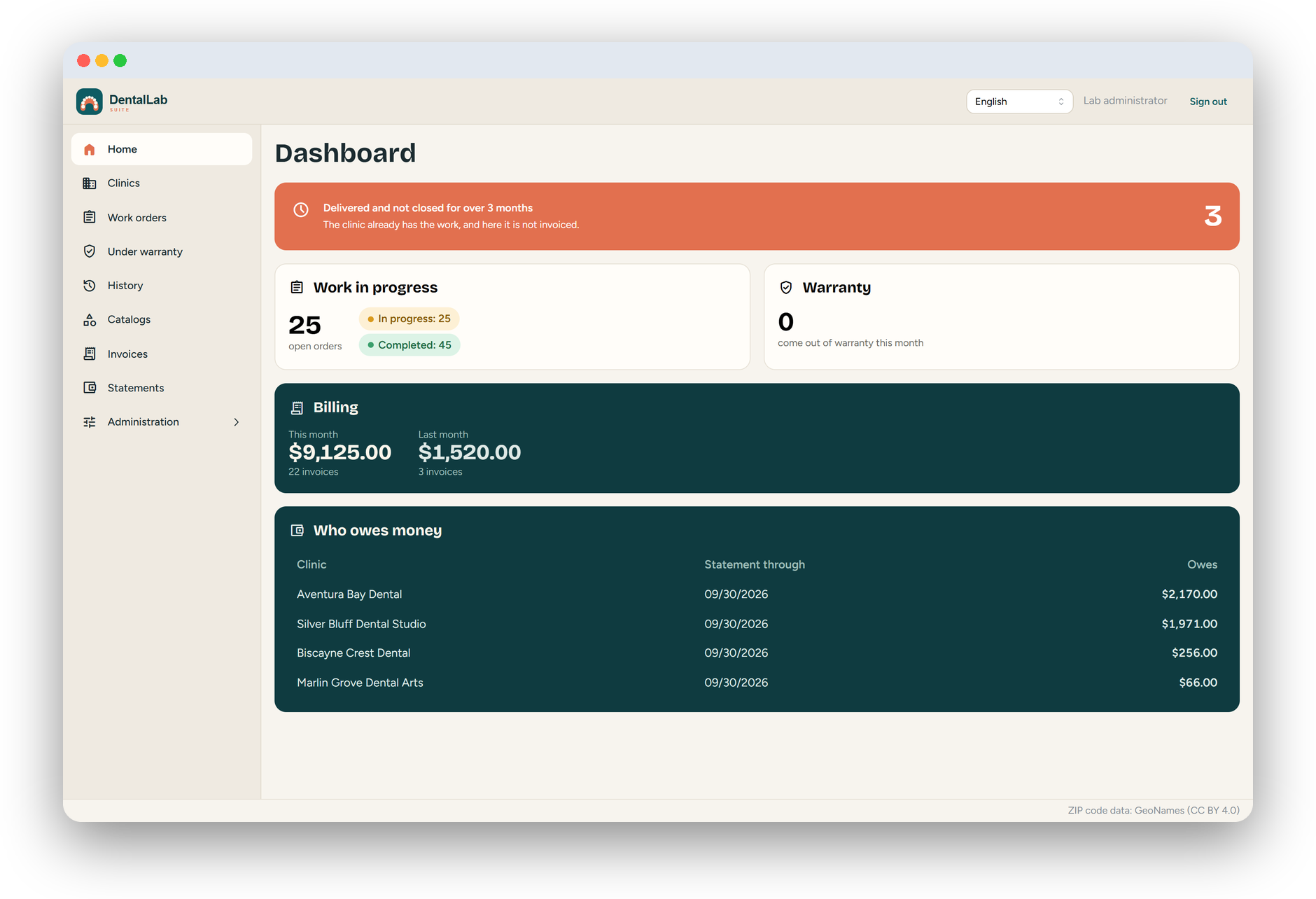
The dashboard opens on a single card: cases the clinic already has in hand that nobody ever closed. Click it and you get the list.
Each prescription that arrives is a step. You add them as the paperwork comes in, in whatever order, skipping the ones that do not apply.
They are born when the case closes, for the sum of the prices its steps had on the day each one was done.
Each statement carries whatever the clinic already owed. Payments land on the only statement that is open, and the system proposes how to split them across invoices.
A redone case stays linked to the original, and answering “no charge” demands a reason from a list you wrote yourself.
Setting a new price closes the old one with its timestamp and its author, so a two-year-old invoice still adds up.
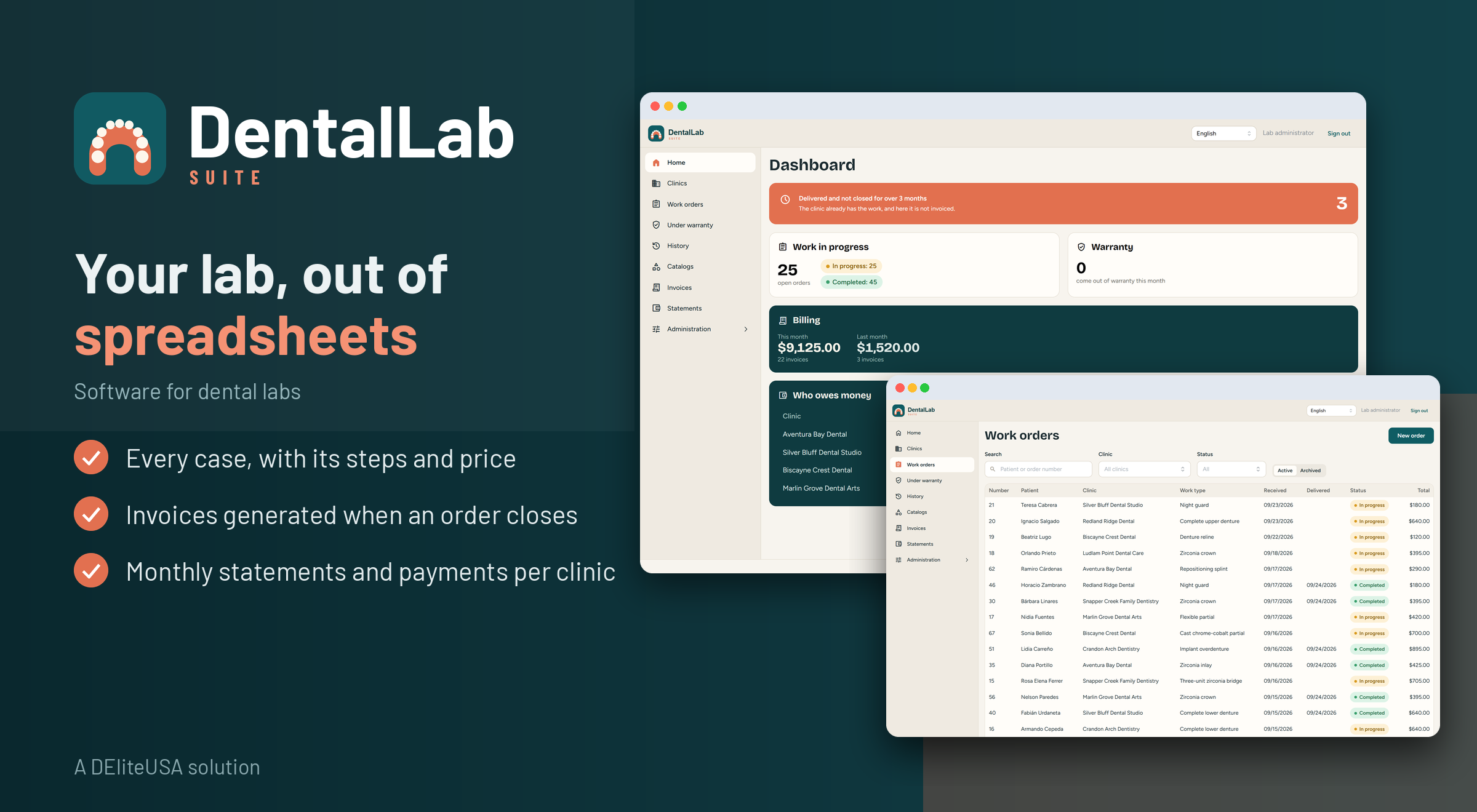
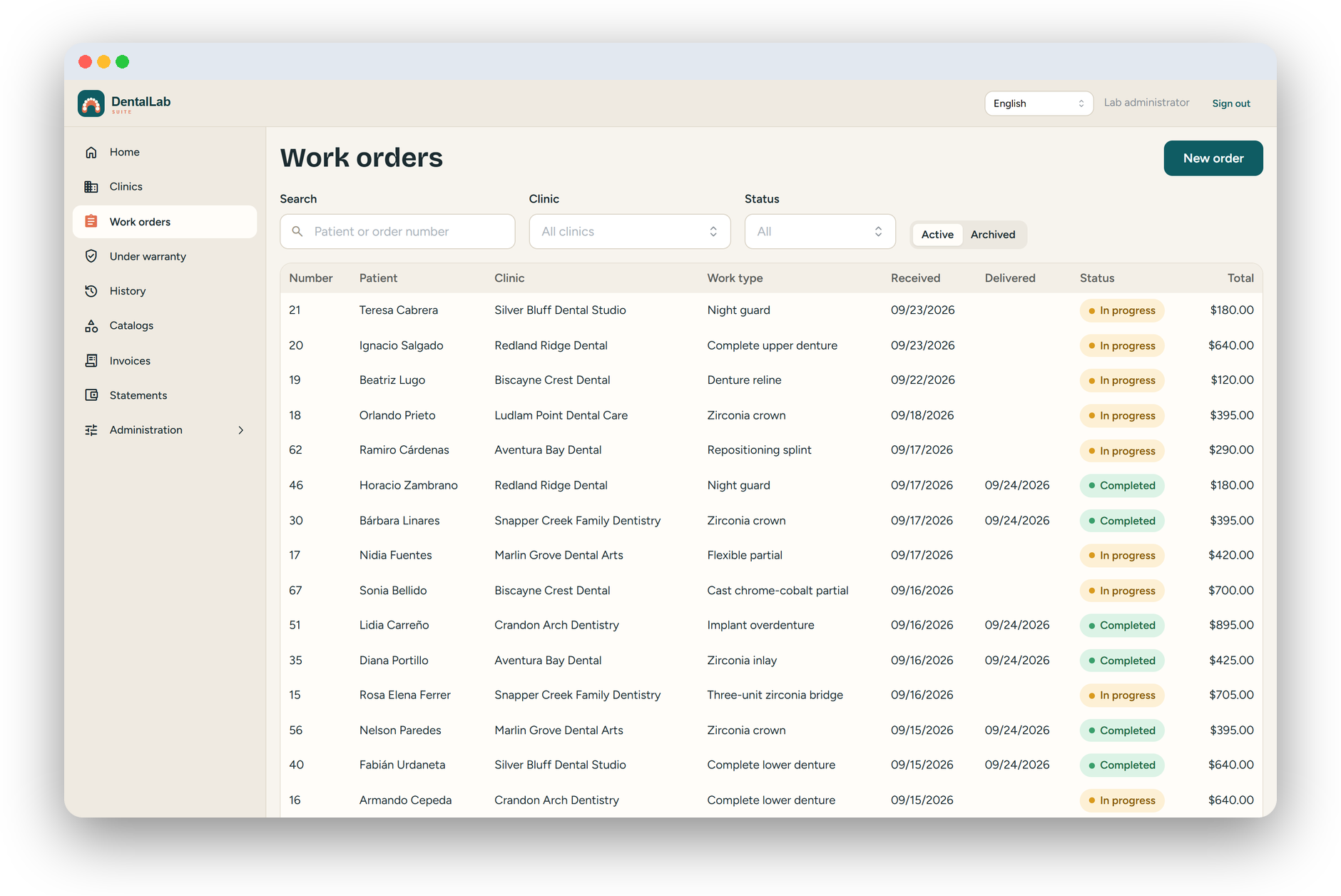
DentalLab Suite is management software for dental laboratories. It keeps cases, steps, prices, invoices and monthly statements in one place.
Each step of a case carries the price that applied the day it was done. When the case is closed, the invoice is generated automatically from those prices, and at the end of the month each clinic gets one statement.
Yes. The dashboard opens on that list: cases the clinic already has in hand that nobody ever closed.
The interface is available in English and Spanish. Printed documents are always in English.
Nothing is deleted: cases are archived, invoices are voided and payments are reversed, so the history stays intact.
The owner of a dental laboratory with two to fifteen people, working for a handful of clinics in the same area.
Contact us to schedule a demo and learn how DentalLab Suite can transform your case, invoicing, and statement workflows.
Schedule a Demo →